
Project Status
You can assign a status to each of your projects. This information is optional.
The system offers three default statuses (“To be Confirmed,” “On-going,” “Done”). You can edit these texts and manage your own values by clicking on the status icon that appears in the Projects menu:
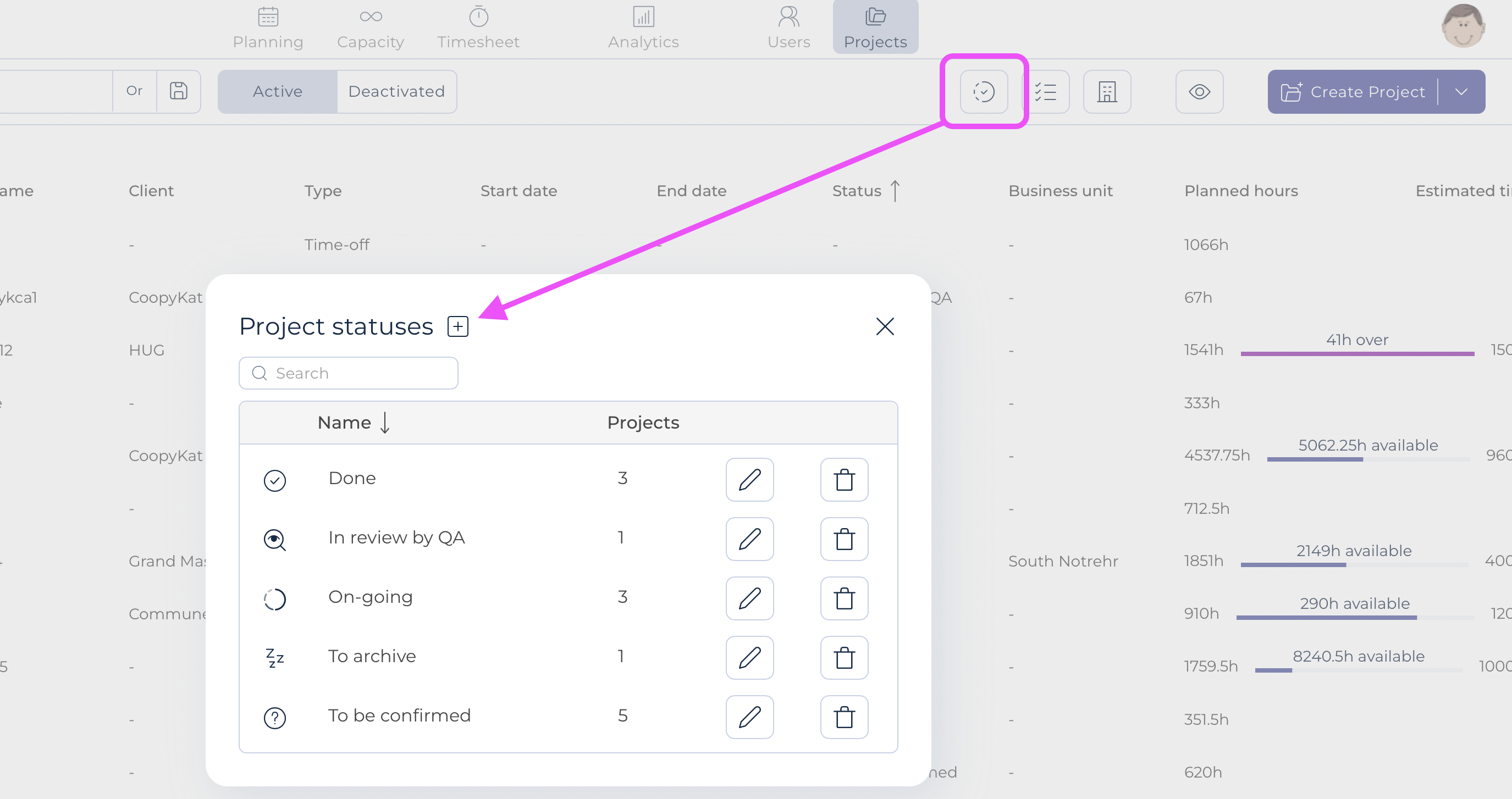
You can choose a specific icon for each status by simply clicking on it.
Status information can be displayed in the project list. This information can be used in reporting and filters.