
Lucca Integration
Teambook offers an integration with the Lucca HR system covering the following four areas:
- Synchronise Lucca users with Teambook users
- Synchronise Lucca time off with Teambook bookings
These topics are documented below. If your organisation requires custom rules, such as assigning roles or tags to new users, please email support@teambookapp.com and we will discuss your requirements.
Note: Setting up the integration requires the following API accesses in Lucca:
|
Procedure:
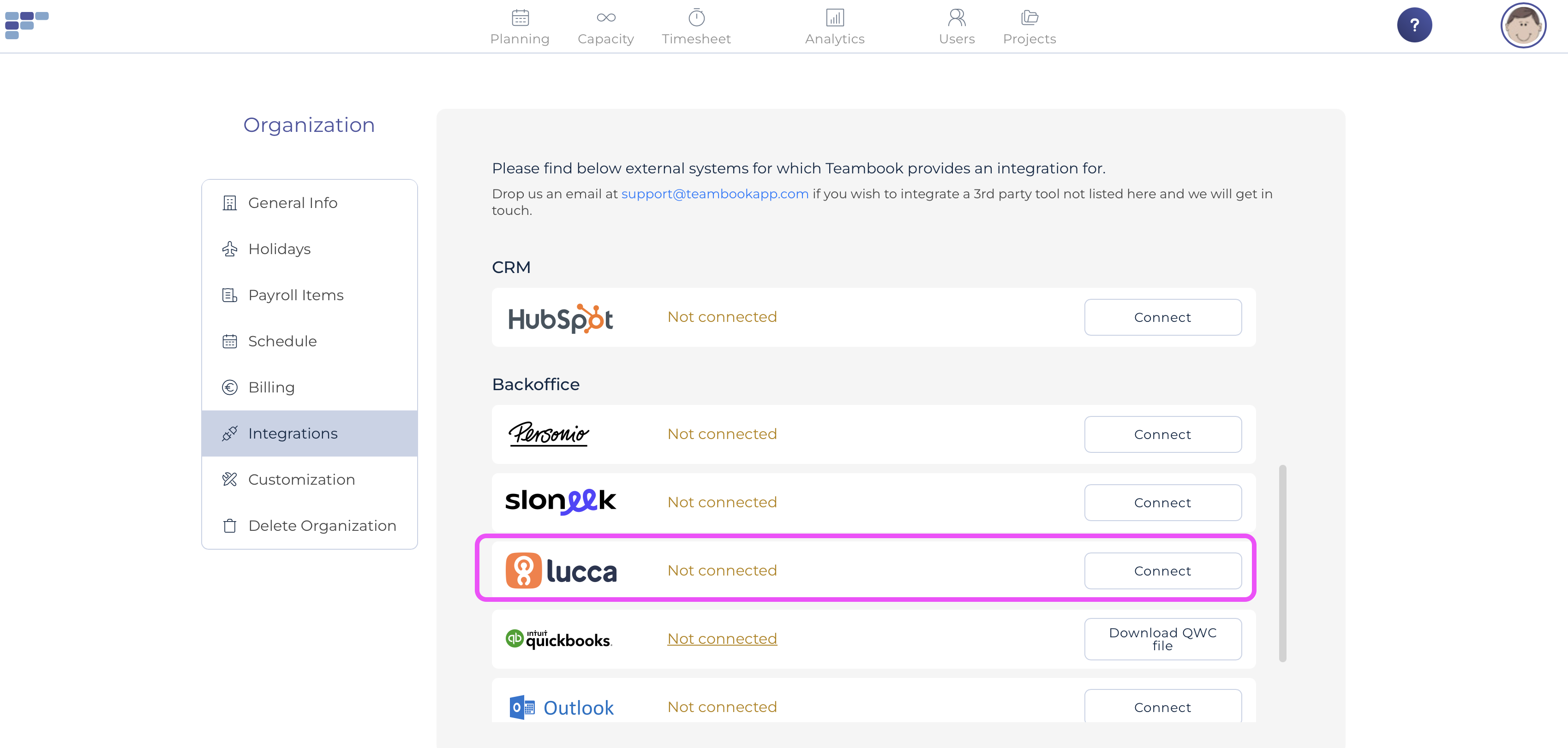
- Go to Organization Settings and open the Integrations tab, select Lucca by clicking "Connect".
- Here you will need to insert your API credentials for Lucca
- After entering your credentials, you will be presented with a modal that allows you to connect Teambook with Lucca.
Synchronize Lucca's users
- On a daily basis, the integration verifies that users added in Lucca are automatically created in Teambook;
- On a daily basis, deleted or updated users in Lucca will be synched in Teambook.
Notes regarding newly created users in Teambook:
- Each user created in Teambook will be assigned to the first team of the Teambook account (as the integration is not informed about the different teams)
- Users will be created without any tags
- Users will be assign the role "regular"
- Teambook start and end date will be based on Lucca hire date/end date.
- By default , an invitation email will be sent for newly created users. However you may use the appropriate setting to avoid sending the invitation (say, you are testing Teambook and don't yet want to communicate with your team). You may at a later stage invite your users manually.
Synchronize Lucca's time off
- On a daily basis, the integration will fetch time off records created in Lucca during the last 2 months and up to 1 year ahead; these records will be synchronized in Teambook, i.e. time off bookings will be created.
- Once a week, the deleted or changed time off records will be synchronized in Teambook.
Notes:
- Only time off records are synchronized, not the absence period.
- You have the possibility to choose what time offs you would like to sync
- In case a time off already exists in Teambook on a give date, Lucca time off will override Teambook
- If a time off record is not approved in Lucca, a "tentative status" will be applied in Teambook
- The integration offers you the ability to choose if you want to sync comments (or not)