Project Milestones
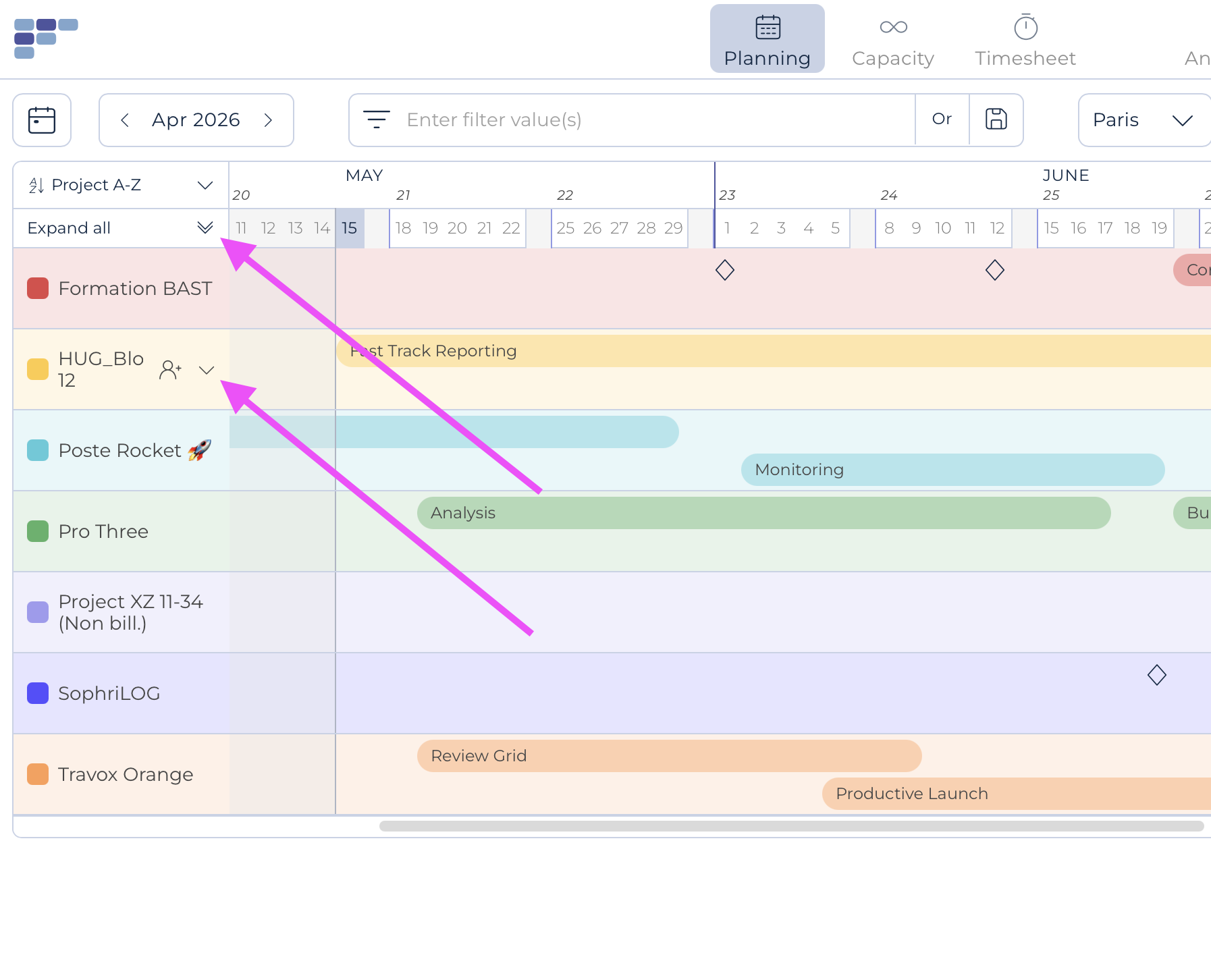
The Project Milestones are represented by colored horizontal bars in front of each project in the Project grouped view.
Such milestones can be used to document the critical phases or moments of a project and potentially facilitate the planning of the resources needed to reach them! You may enter two overlapping milestones as showed above.
When start/end dates are entered in a project, these will automatically be set up as "one day" milestones, with a tool tip indicating so; the use of milestones is otherwise optional.
There are 2 ways to create, edit and display milestones: in the grouped view and/or in the Project create / Edit modal
Manage milestones in the Project grouped view:
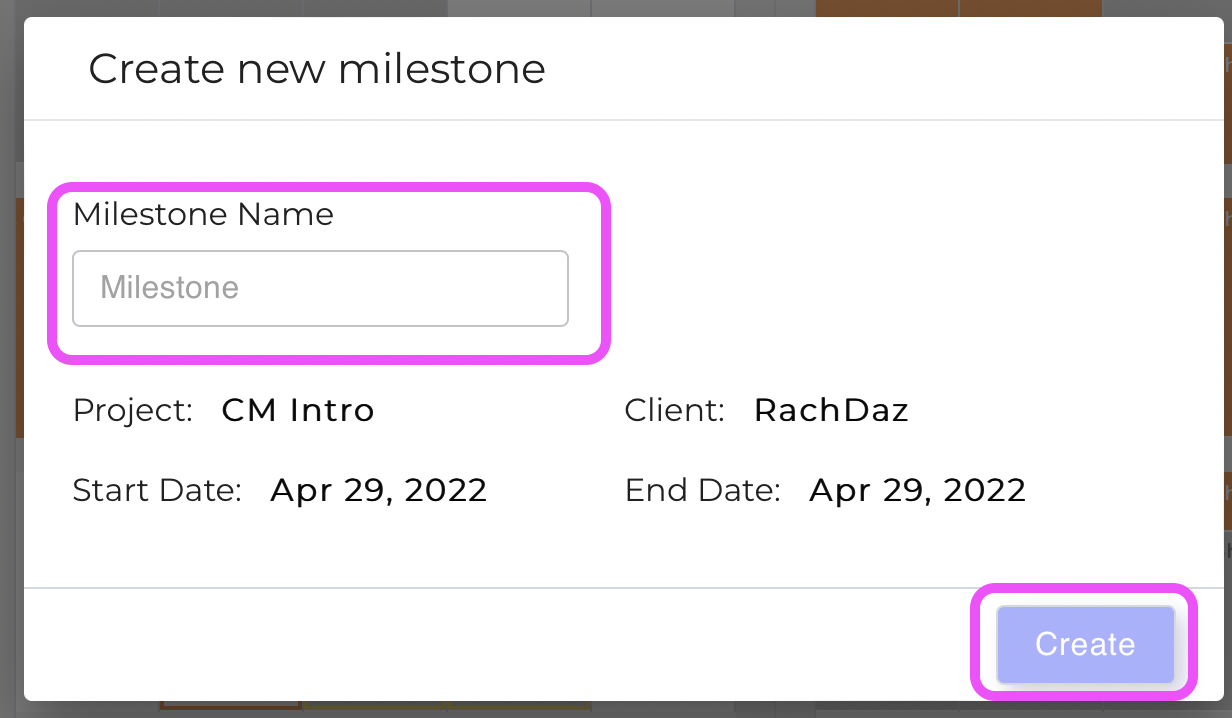
You may create a Milestone simply by clicking on the line in front of the project and then dragging until the potential Milestone end-date OR manually choosing the specific dates on the date picker. Enter a Name and hit the Create button.
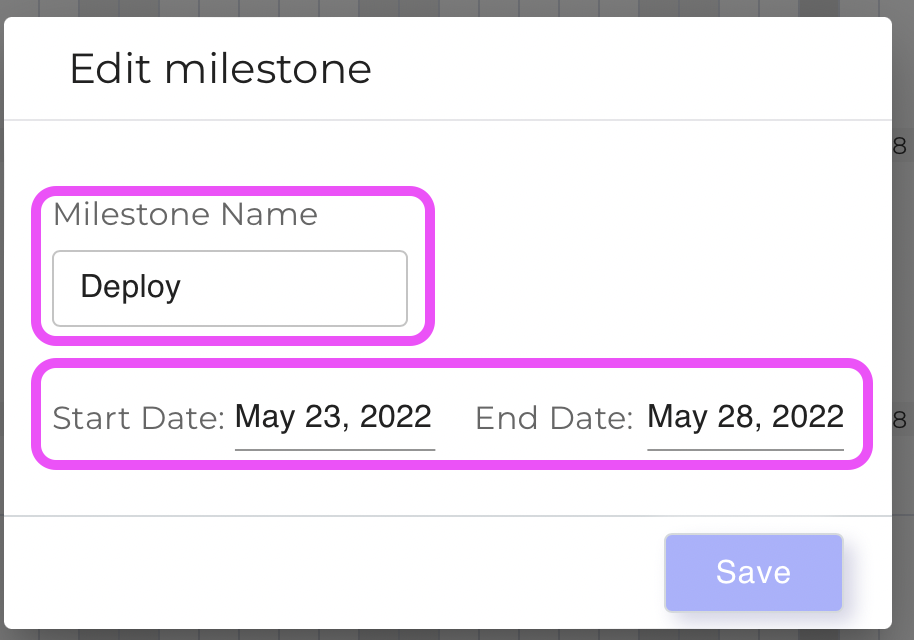
To edit a Milestone's duration, you may simply position your mouse on its borders and drag as desired; alternatively, click on it and the amend its date and/or name on the appearing pop-up before hitting Save:
Manage milestones in the Project create/edit modal
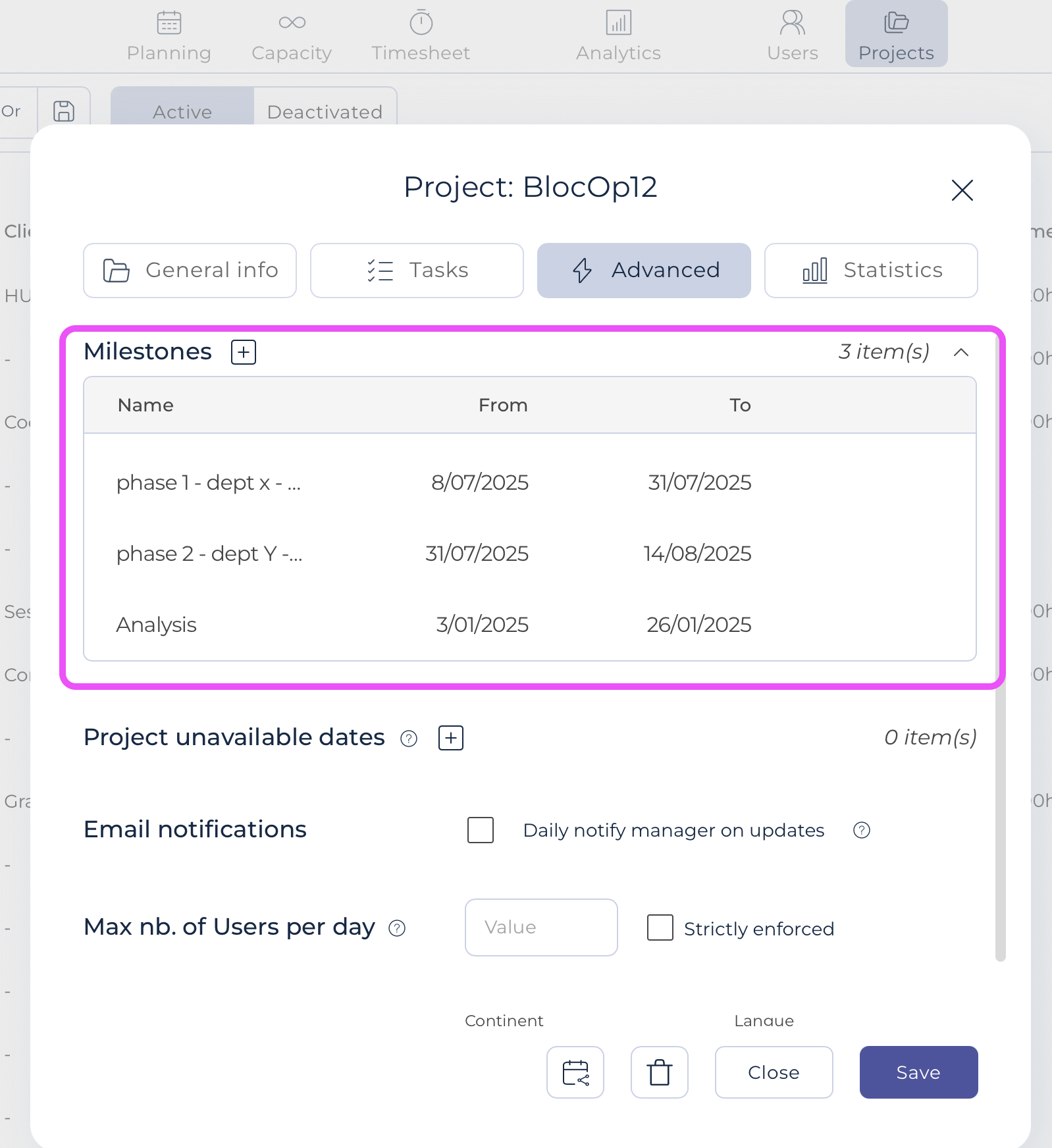
Within the Project menu, select the desired Project; in the Advanced tab and there you can view as well as add and edit milestones:
Note that you can collapse one or all users to view only milestones: