Project Grouped View
Using the button on the top right corner of the Planning screen, you can switch to the Grouped View and displays the users planned on a given project and the project milestones at a glance.
It is possible to plan your resources from this view as you would do from User View.
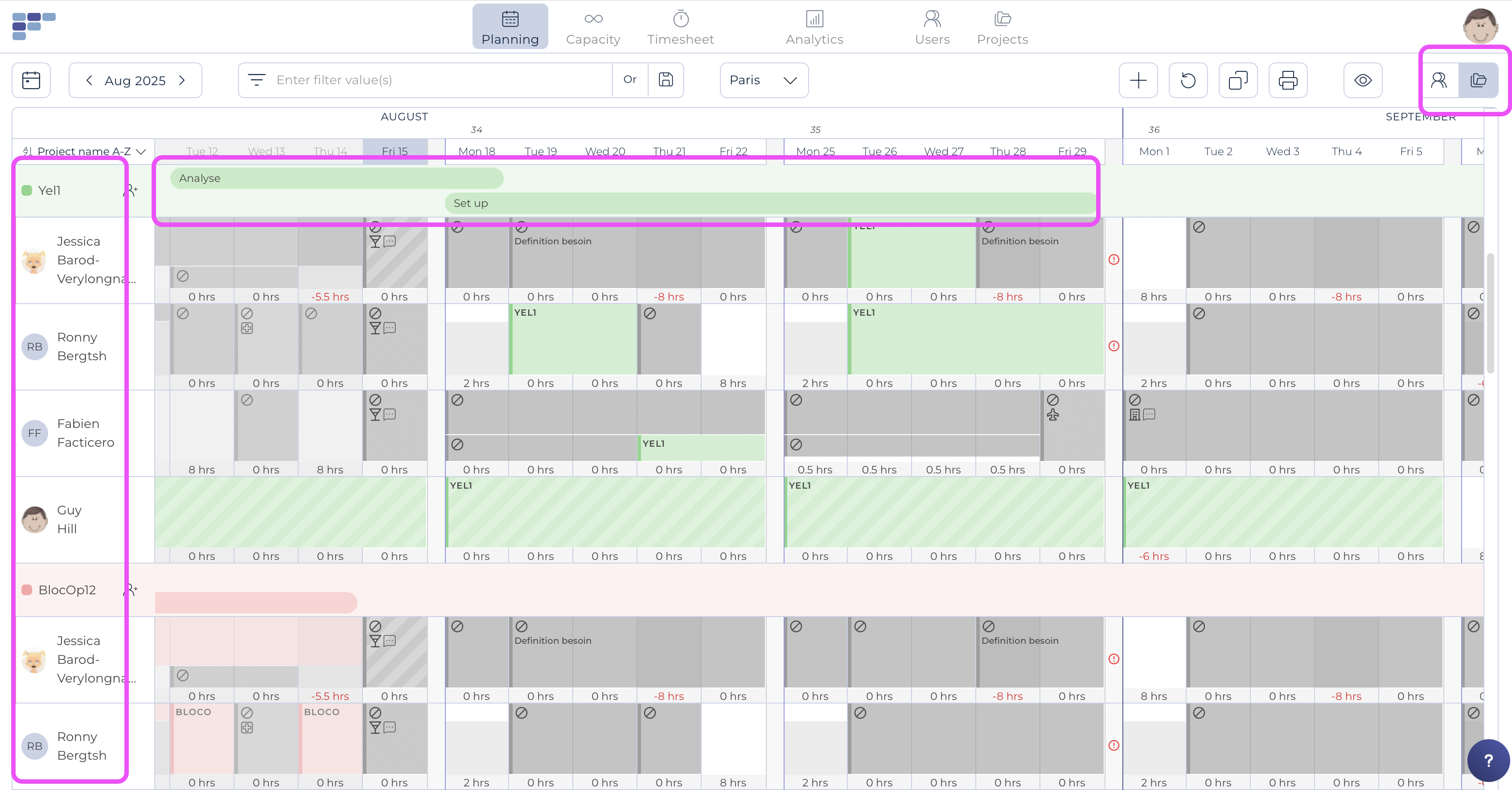
You can access the same icons and settings to navigate around as in the traditional User view. A difference though is that the greyed out bookings belong to project (or if dashed, even to another team).
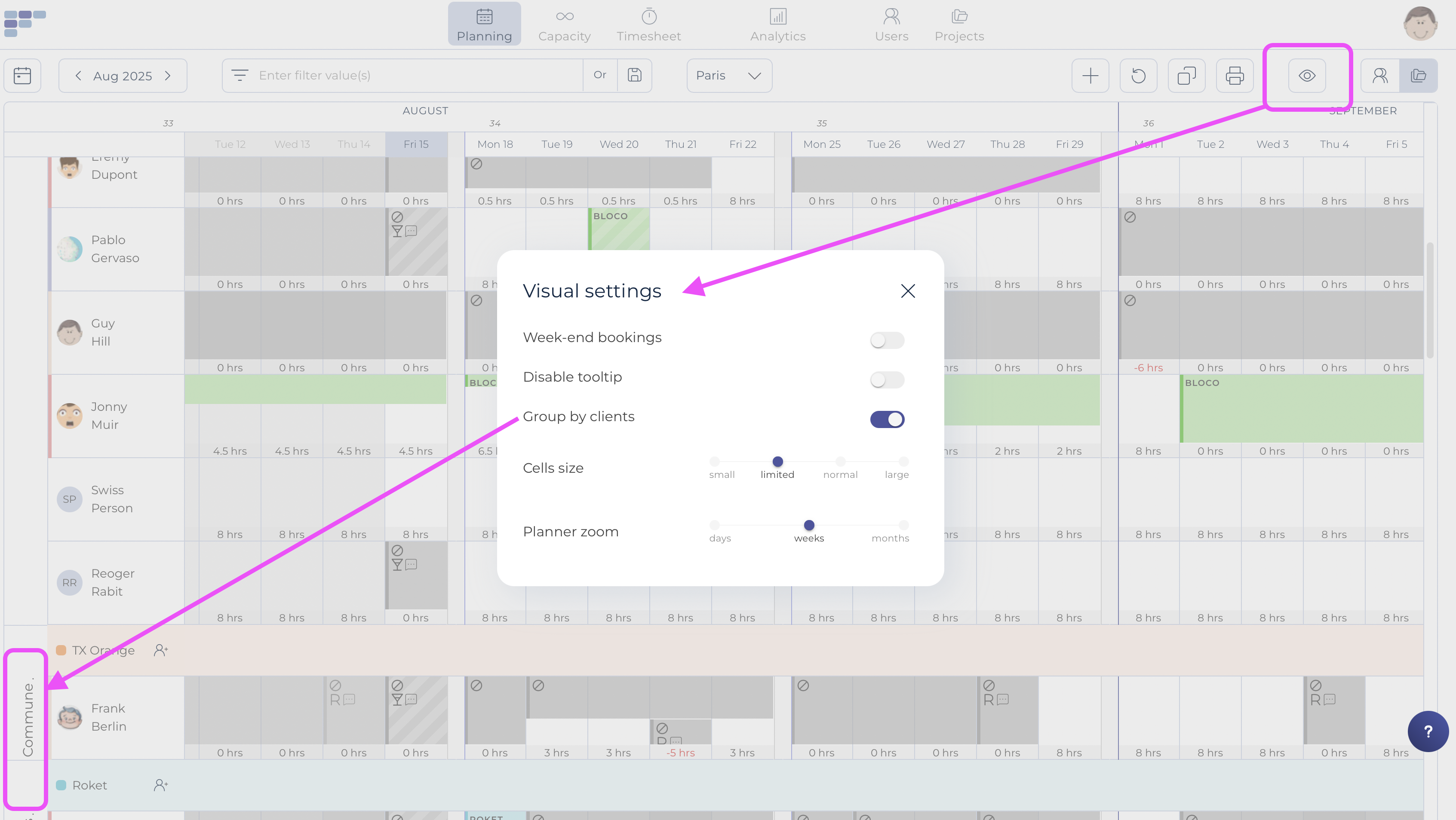
Note that the visual settings ("eye icon") offers a dedicated option to visualize the client and to group the projects accordingly: